
Ever wondered how some creators produce mind-blowing AI art with just a single line of text? The secret isn’t just creativity, it’s the power of a MidJourney Prompt Generator. This tool transforms your raw ideas into polished prompts, so you can unlock MidJourney’s full potential without guessing or wasting hours refining words.
What is MidJourney Prompt Generator?
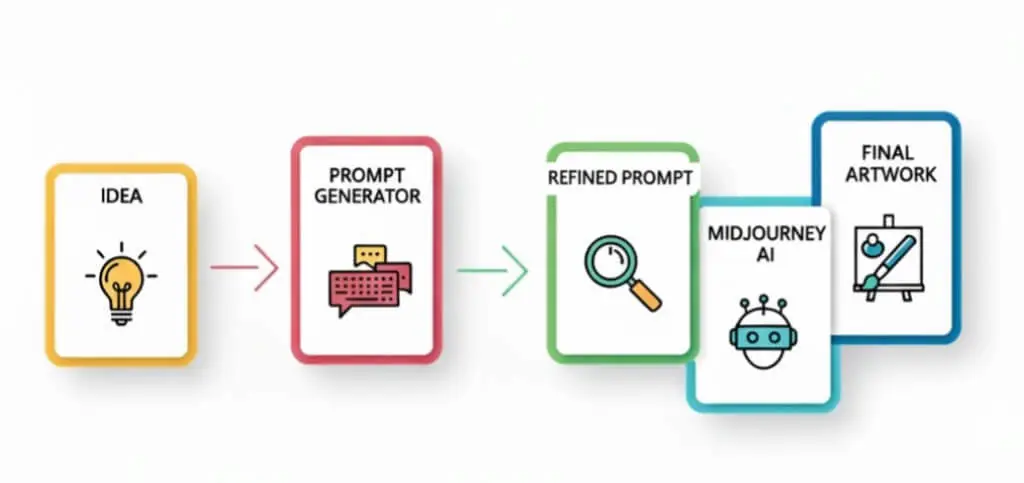
The MidJourney Prompt Generator is a smart tool designed to help users create effective prompts for MidJourney, the AI art generator. Instead of struggling to figure out the perfect combination of words, you simply type in a rough idea, and the generator reshapes it into a well-structured, detailed prompt.
Why is this valuable? Because MidJourney responds best to specific, descriptive instructions. The better your prompt, the more accurate, creative, and visually stunning the output will be. For beginners, it removes the trial-and-error frustration. For professionals, it saves time and ensures consistency across projects.
Key Features of MidJourney Prompt Generator
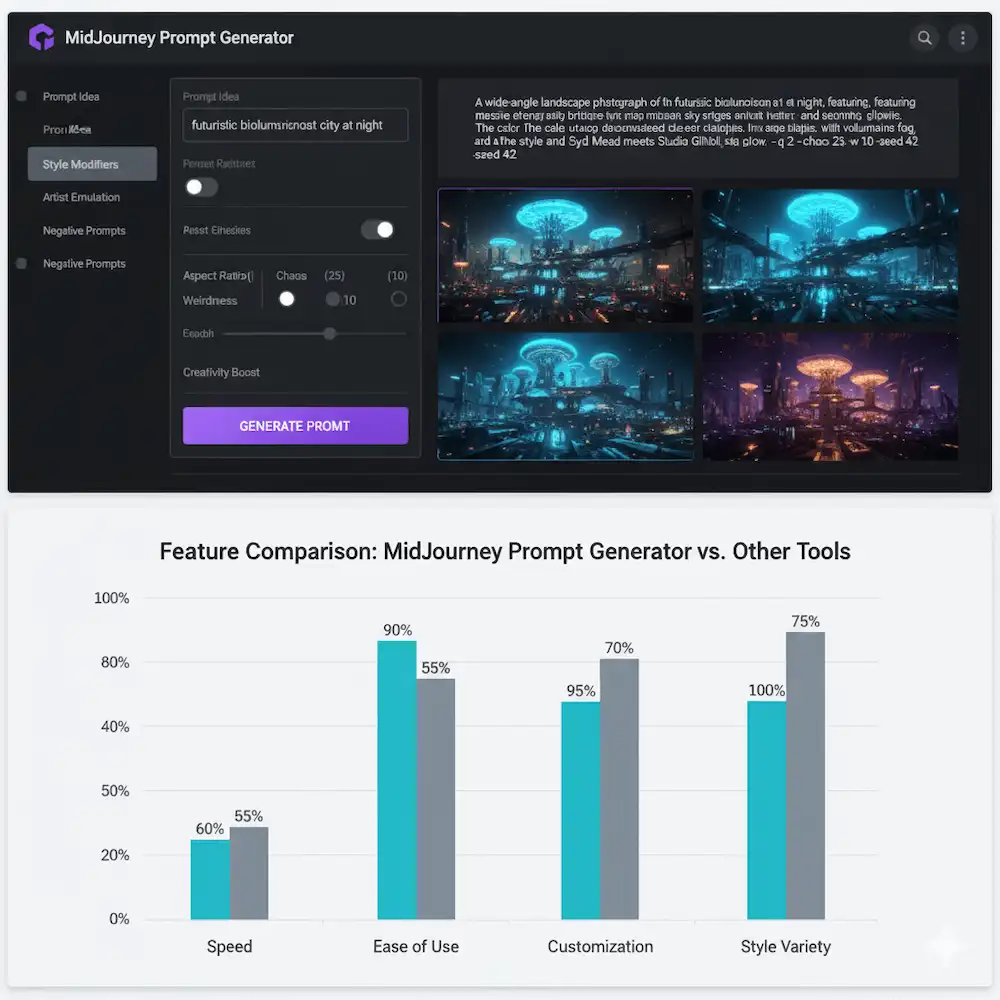
The MidJourney Prompt Generator comes packed with features that make it a go-to tool for artists, designers, and everyday creators. Here’s what sets it apart:
- Generate creative AI prompts instantly
Just type in a simple thought, and the generator will instantly reshape it into a detailed, structured prompt ready for MidJourney. - User-friendly interface for beginners
Even if you’re new to AI art, the clean and intuitive dashboard makes it easy to get started. No steep learning curve-just plug in your idea and go. - Supports multiple styles & themes
From photorealistic portraits to cyberpunk cityscapes, the tool adapts to different artistic themes so you can explore endless possibilities. - Customizable outputs
Fine-tune your prompts with adjustable settings, so the final results match your vision more closely.
How to Use MidJourney Prompt Generator – Step by Step
A short, practical walkthrough so readers can go from idea to gallery-ready AI art in minutes.
Step 1 — Open the tool & create an account
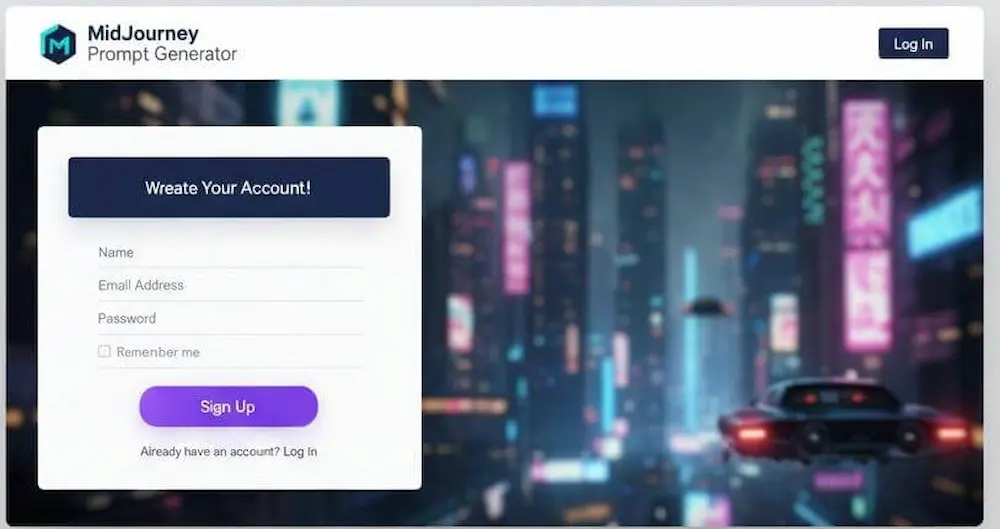
Visit the MidJourney Prompt Generator in your browser and sign up (or sign in). Typical setup steps: confirm your email, set a password, and optionally customize basic preferences (username, default style). Pro tip: connect any cloud storage or gallery integrations now if the tool offers them so you can save results later.
Pick a style or a template that matches your vision – common presets include photorealistic, cinematic, watercolor, oil painting, anime, cyberpunk, and abstract. Templates often pre-fill useful parameters (aspect ratio, quality, stylize level) so you get consistent results without guessing.
Step 2 -Choose a style or template
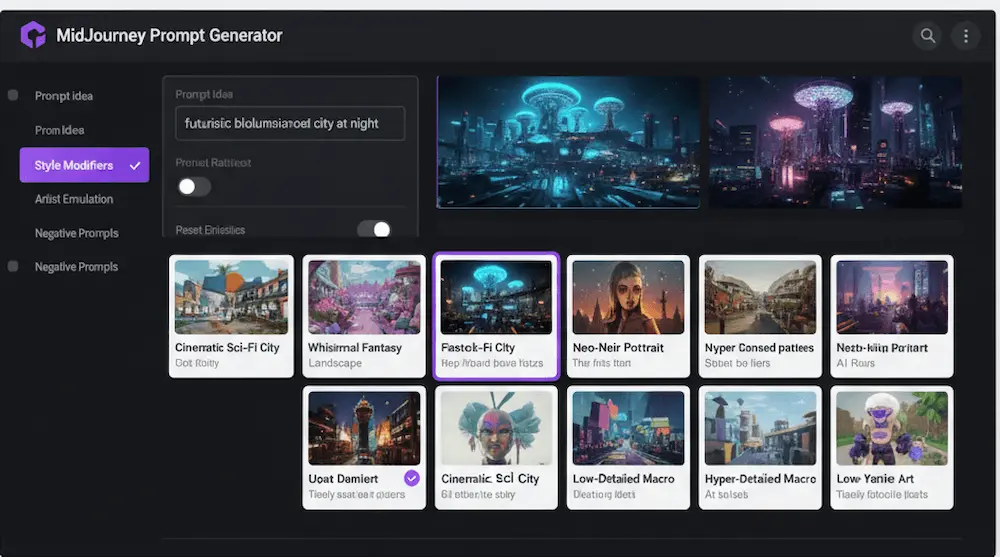
Pick a style or a template that matches your vision – common presets include photorealistic, cinematic, watercolor, oil painting, anime, cyberpunk, and abstract. Templates often pre-fill useful parameters (aspect ratio, quality, stylize level) so you get consistent results without guessing.
Step 3 — Type your idea & generate prompts
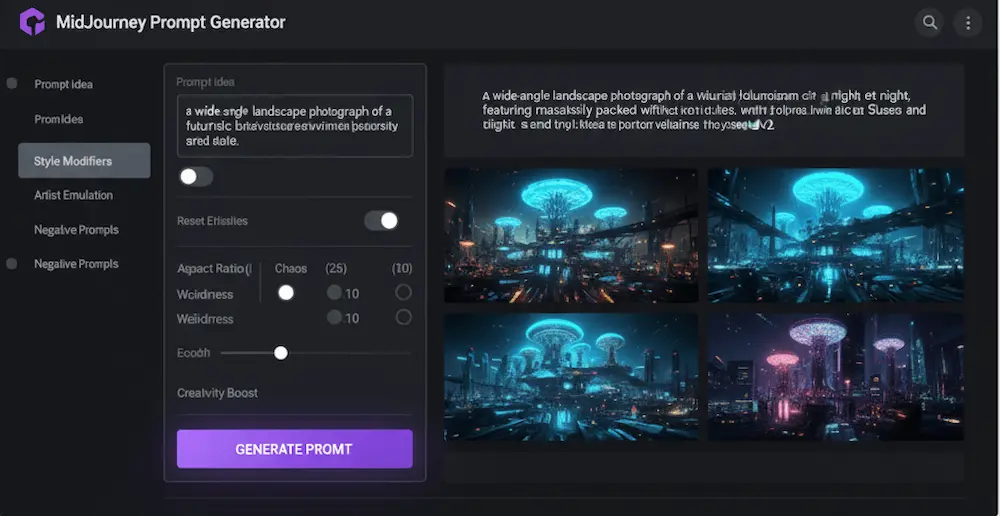
Enter a short idea (1–3 phrases) – e.g., “futuristic city at sunset”– then click Generate. The generator will expand that into one or several detailed prompts with modifiers like lighting, mood, camera lens, resolution, and artist references. These are the exact lines you’ll paste into MidJourney (or other AIs).
Example transformation (input → generated prompt):
- Input: futuristic city at sunset
- Generated Prompt: Futuristic city skyline at sunset, neon lights, reflective wet streets, cyberpunk aesthetic, high detail, 35mm lens, volumetric lighting, hyperrealistic –ar 16:9 –v 5 –q 2
Step 4 — Copy & use in MidJourney AI or other platforms
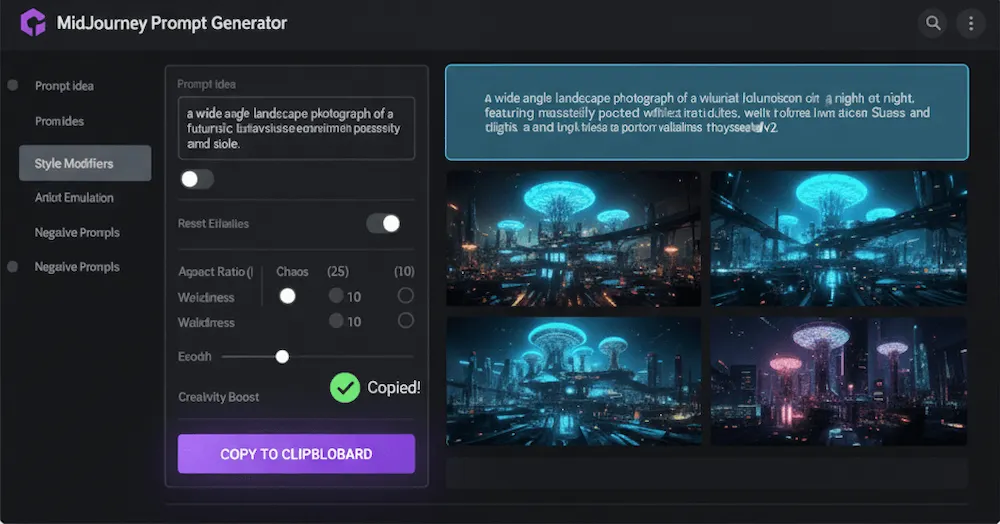
Step 5 — Save your favorite prompts
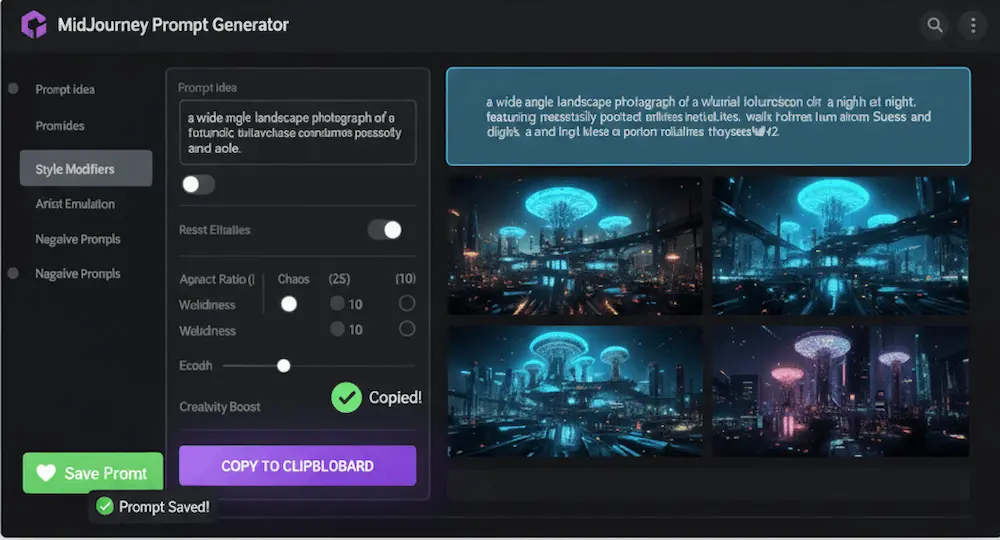
Save winning prompts so you can reuse, tweak, or version them later. Options: save inside the tool’s “Library” or “Favorites”, export them to a CSV/Google Sheet, or paste into a notes app. Store tags (style, subject, mood) and parameters (aspect ratio, seed, quality) with each prompt – this makes future retrieval simple.
Tips to Generate Perfect AI Prompts
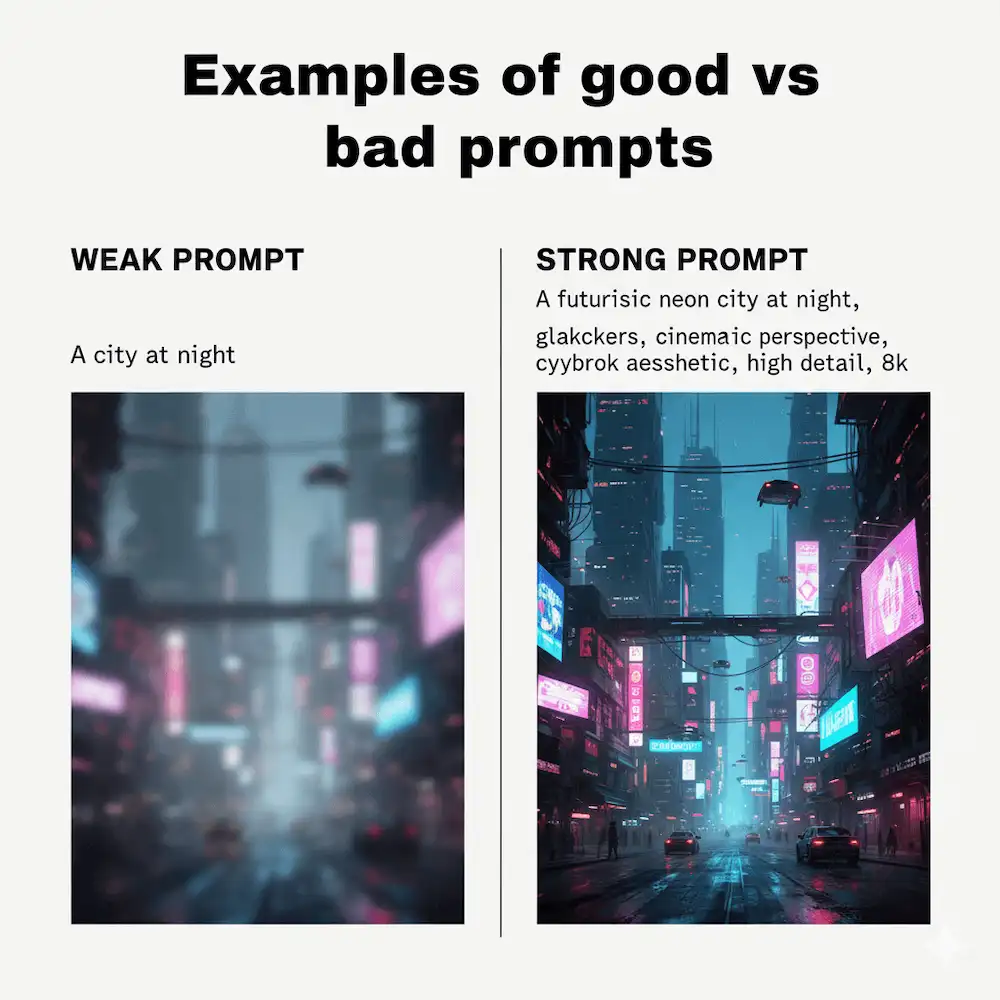
Writing prompts is both an art and a science. Here are some tried-and-true strategies to make your AI artwork look professional every time:
- Use clear, descriptive language
Be specific. Instead of saying “a forest”, say “a dense pine forest with golden sunlight streaming through morning fog.” The more detail you provide, the better MidJourney understands your vision. - Experiment with styles, colors, and mood
Don’t stop at the subject-add artistic direction. Try specifying a medium (oil painting, watercolor, digital 3D render), color palette (pastel tones, neon lights), or atmosphere (dreamlike, cyberpunk, dystopian). Small tweaks can transform the final image dramatically. - Save your best prompts for future projects
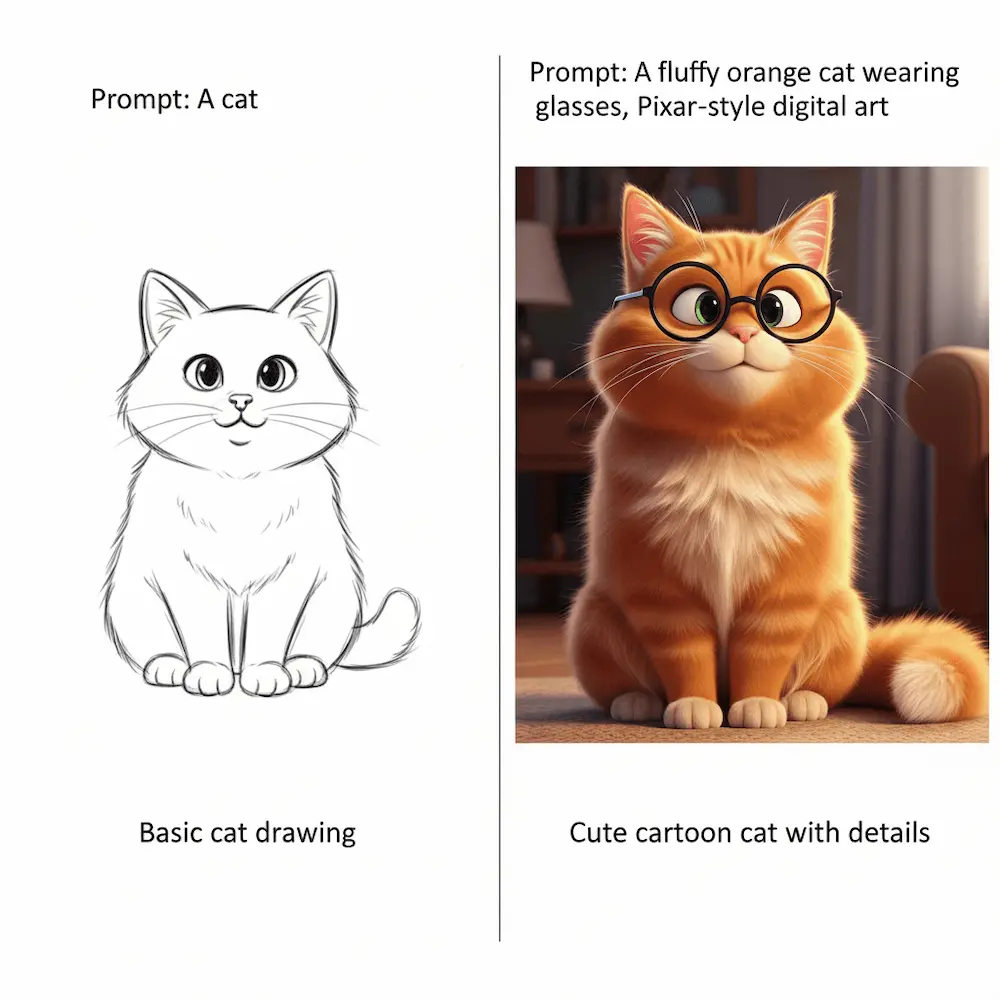
Every great output is worth keeping. Maintain a library or tracker (like the “My Favorite Prompts Tracker” we mentioned earlier) so you can refine or reuse prompts without starting from scratch. - Examples of good vs bad prompts
Weak prompt:“A cat”
Strong prompt: “A fluffy orange cat wearing glasses, Pixar-style digital art”
| Feature | Manual Prompting | Prompt Generator |
| Time spent | High (trial & error) | Low(instant) |
| Creativity | Varies by skill | High (guided options) |
| Accuracy | Hit-or-miss | Consistent |
Comparison: Generator vs Manual Writing
Advanced Uses for Professionals
While the MidJourney Prompt Generator is perfect for beginners, it truly shines when used in professional workflows. Here’s how advanced users can leverage it:
- Creating art for blogs, social media, or NFTs
Content creators and digital artists can quickly generate unique visuals that stand out in feeds, enhance blog posts, or even mint as NFTs. The generator helps maintain consistency in style across multiple pieces. - Using prompts in combination with other AI tools
Professionals often mix MidJourney prompts with tools like Photoshop, After Effects, or AI upscalers. The workflow becomes: Generate prompt → Render art in MidJourney → Refine or animate in another tool. This multiplies creative potential. - Automating prompt generation for repetitive projects
Agencies or creators working on bulk projects (e.g., product catalogs, themed social posts) can automate prompt generation using scripts or integrations. This reduces repetitive manual work while keeping results consistent
Resources & Downloads
PDF: Top 50 MidJourney Prompts for Beginners
Sheet: Prompt Tracker Template
QR Code:
Want to level up your AI art journey? Just scan this QR code and instantly unlock “Top 50 MidJourney Prompts for Beginners” in PDF format. It’s your ready-to-use collection of creative prompts, plus a handy Prompt Tracker Template to organize your ideas. Quick, free, and beginner-friendly-start creating stunning AI art today!
FAQs
Do I need to pay for MidJourney Prompt Generator?
Some versions are free, advanced features may be paid.
Can I use these prompts commercially?
Yes, but always check MidJourney’s license terms.
What’s the difference from ChatGPT prompts?
ChatGPT generates text; MidJourney Prompt Generator shapes visual prompts.
Is it beginner-friendly?
100%! The whole purpose is to skip the learning curve.
Conclusion
The MidJourney Prompt Generator isn’t just a shortcut-it’s your creative partner. Whether you’re a beginner creating your first AI artwork or a pro streamlining workflows, this tool unlocks new levels of artistic freedom.
